Graphical abstract software comparison

Choose software around the research task.

The best graphical abstract software depends on what you need to do: explore a first visual structure, assemble scientific icons, edit vectors precisely, or collaborate in a general design canvas. Compare the workflow before comparing decoration.

Same research task for every comparisonVerifiable features instead of invented scoresLicensing treated as a core requirement
One research story, different software workflows
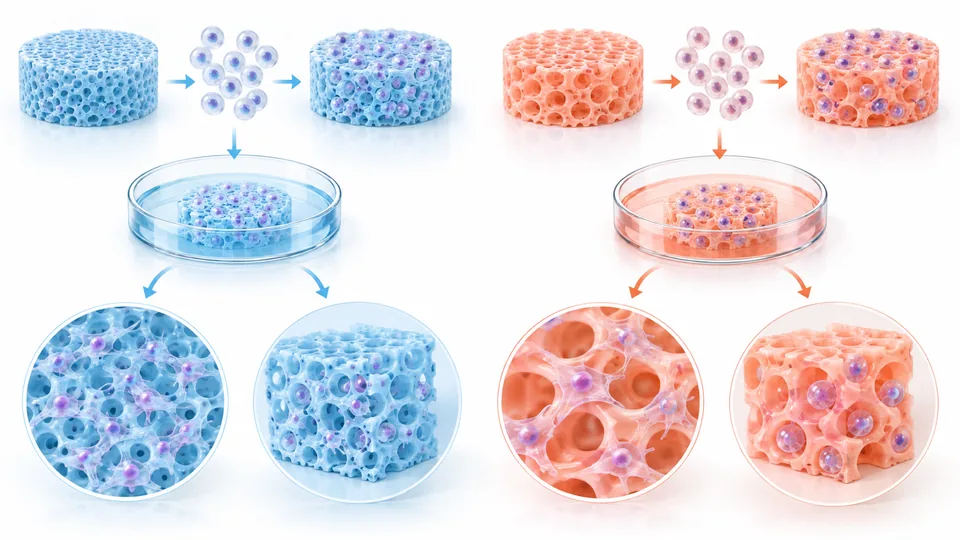
Graphical abstract software comparison layout with matched columns for different tools.

A useful comparison starts with the work you actually need to finish.

Commercial disclosure

Graphical Abstract Lab is included in this graphical abstract software comparison and has a commercial interest in the category. It is a concept-drafting tool, not a substitute for every editing platform. Product details and prices for other tools were checked against official pages on September 9, 2026.

At a glance

Graphical abstract software feature comparison

Use this graphical abstract software table as a starting point, then verify pricing, licensing, export rights, and institutional access on each provider's official site. Features can change and regional prices may differ.

Graphical abstract software comparison by workflow, editing, export, licensing, and use case
CriterionGraphical Abstract LabBioRenderCanvaAdobe Illustrator
Core workflowResearch brief to a structured concept draftCanvas assembly with scientific icons, templates, and AI optionsGeneral-purpose templates and drag-and-drop canvasPrecision vector drawing and manual composition
Editing modelPrompt and layout preferences; PNG outputDetailed object-level visual editingObject-level editing in a broad design toolAdvanced object, path, typography, and artboard control
Scientific assetsField-aware concept examples and research templatesLarge specialist science icon and template libraryGeneral assets; scientific specificity depends on the template and userNo dedicated research library by default
ExportPNG image downloadPremium plans list high-resolution PNG, JPG, and PDFMultiple presentation and image formats depending on planBroad professional vector and raster output
Publication licensingCheck the current terms and the target journal's AI and publication policiesPaid plans are required for journal publication rightsCheck content licenses and source rights for each assetRights depend on the artwork, fonts, and stock assets used
Pricing status4-draft trial; $9 for 20, $19 for 60, or $49 for 180. One credit per 2K draft; paid credits do not expire and failed generations are refundedFree limited plan; Academic Individual listed from $35/month billed annuallyFree and paid plans; pricing varies by regionIllustrator listed at $22.99/month on an annual billed-monthly plan
Best fitEarly story and layout explorationBiology and medical illustration workflowsGeneral presentation design and simple layoutsResearchers or designers needing precise vector control

Graphical Abstract Lab pricing is current as of September 14, 2026. Other feature and price notes were verified on official provider pages on September 9, 2026. Taxes, regions, institutions, promotions, and plan changes can affect the final offer.

Concept drafting

Graphical Abstract Lab

Graphical Abstract Lab is graphical abstract software that turns a written research brief into visual concept drafts through prompt optimization and image generation. Review completed versions, download images, and adjust your input to explore another variation.

  • Graphical abstract software starts with the paper's question, method, and supported finding
  • Connects examples and templates directly to a concept workflow
  • PNG output only; no editing of individual text labels, shapes, or vector layers
Open the concept maker
Scientific illustration

BioRender

BioRender is specialist graphical abstract software for life science and medical illustration, with a large icon library, templates, collaboration features, and optional AI-assisted generation.

  • Graphical abstract software with a deep scientific illustration library and editable canvas
  • Paid academic plans include publication permission and high-resolution export
  • Free output does not include journal publication rights
Check official pricing and featuresBioRender alternative
General design

Canva

Canva is general design software that can support a graphical abstract through presentations, templates, shared editing, and broad visual assets. Scientific accuracy and specialist icon selection remain the user's responsibility.

  • General graphical abstract software workflow with accessible drag-and-drop editing
  • Broad presentation and communication templates
  • Not built specifically around scientific evidence or journal rules
Check official pricing and features
Professional vector

Adobe Illustrator

Adobe Illustrator is professional vector software for researchers or designers who need precise paths, typography, artboards, and export control. It requires more manual design knowledge than guided graphical abstract software.

  • Graphical abstract software workflow with high-precision vector editing
  • Detailed typography, color, and export control
  • Steeper learning curve and no dedicated science library by default
Check official pricing and features
A fair evaluation method

How to choose graphical abstract software

Test graphical abstract software with a real paper and a defined output requirement. Record how long it takes to establish the story, correct scientific details, revise labels, obtain the needed rights, and export the journal's requested file.

Use the same research brief and target journal for each tool.
Count the changes needed to correct content and reading order.
Verify the exact dimensions, resolution, and file types available.
Read the license for publication, commercial use, and shared assets.
Ask a subject expert to review the output without knowing the tool.
Compare total workflow cost, not only the advertised subscription price.
Start with the research story

Try graphical abstract software on a concept draft

Use the same research brief you would take to another tool, then judge clarity, correction effort, rights, and export fit.

Open the maker